
The Mystery of the 5.5 Second SSH Delay on a MikroTik CRS326
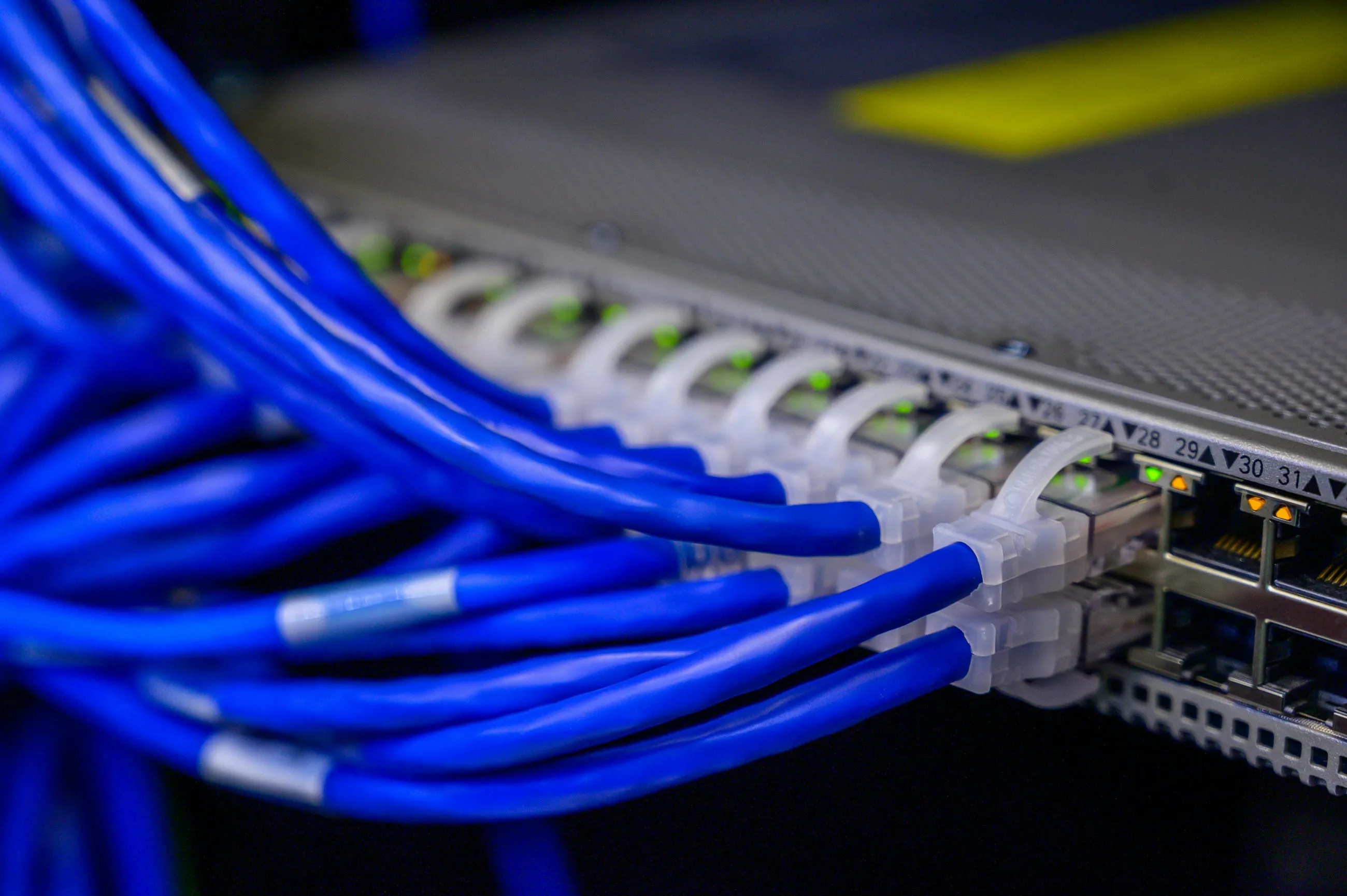
SSH connections to my CRS326 office switch took 5.5 seconds. Every other RouterOS device on my network connected in under half a second. The difference was noticeable enough to slow down management tasks, and it didn’t make sense.
This is the story of tracking down why one switch behaved differently, the tests that ruled out obvious causes, and what we learned about RouterOS and Marvell switch SoCs.
What Was Broken
The problem was simple: SSH connections to the CRS326 office switch at switch.lan took approximately 5.5 seconds to establish. Other RouterOS devices connected instantly.
I measured it using a simple command:
time ssh vic@switch.lan "/system identity print"The results were stark:
| Device | Model | RouterOS | CPU | SSH Time | Status |
|---|---|---|---|---|---|
| Office Router | RB4011iGS+RM | 7.19.2 | 4x @ 1400MHz ARM | 0.106s | ✅ Fast |
| Living Room Switch | RB960PGS (hEX PoE) | 7.18.2 | 1x @ 800MHz MIPS | 0.398s | ✅ Acceptable |
| Office Switch | CRS326-24G-2S+RM | 7.20.2 | 1x @ 800MHz ARM | 5.5s | ❌ Slow |
The CRS326 was 55x slower than the router and 14x slower than a less powerful switch. Something was clearly wrong.
What Looked Right
At first glance, everything seemed normal. The switch was running RouterOS 7.20.2, the latest stable release. SSH service was enabled and configured identically to the other devices. Network connectivity was fine - no packet loss, no connection issues. The switch functioned correctly, it was just slow to accept SSH connections.
WinBox connected immediately, which ruled out network-level problems. The issue was specific to SSH.
Where The Delay Occurred
I needed to understand when the delay happened. SSH verbose logging showed the answer:
ssh -vvv vic@switch.lanThe timeline was revealing:
- TCP connection established immediately
- Key exchange completed normally
- SSH banner received
- 5.5 second delay between
SSH2_MSG_SERVICE_ACCEPTand authentication methods response - Delay happened before user authentication even began
The delay was server-side, on the CRS326 itself, not network-related. The switch was taking 5.5 seconds to process something between accepting the SSH service and responding with available authentication methods.
Both password and public key authentication showed the same delay, which ruled out SSH key lookup as the cause. The problem was deeper in the SSH service initialization.
Hypothesis One: DNS Lookup Delay
My first hypothesis was reverse DNS lookup. RouterOS might be trying to resolve the client’s IP address, and if that lookup was timing out or taking too long, it could explain the delay.
I checked the DNS configuration on the CRS326:
/ip dns print
servers: 10.0.20.12,10.0.20.13
Internal Pi-hole servers. I tested DNS resolution times:
[vic@switch.lan] > /tool dns query address=1.1.1.1 server=10.0.20.12
  address: 10.0.20.12
  status: ok
  time: 10ms
DNS queries completed in 10-40ms. Fast enough.
I tried several DNS-related changes anyway:
- Reduced DNS timeouts:
query-server-timeout=500ms,query-total-timeout=1s - Added static DNS entries for my client IP
- Changed to public DNS servers (1.1.1.1, 1.0.0.1)
No improvement. DNS was not the cause.
Hypothesis Two: Configuration Differences
Maybe there was a configuration difference causing the delay. I compared the CRS326 to the fast RB960PGS switch:
- Bridge configuration: Identical (single bridge, VLAN filtering enabled, fast-forward enabled)
- SSH service settings: Identical
- RouterOS version: Same 7.19.2 stable (at the start of investigation)
- Network topology: Direct connection, no relays
No configuration differences that would explain a 5.5 second delay.
Hypothesis Three: Hardware Limitations
The CRS326 specs looked reasonable:
- CPU: 1x ARM @ 800MHz
- Memory: 512MB
- CPU load: 1-3% (low load)
But the comparison was interesting. The RB960PGS has:
- CPU: 1x MIPS @ 800MHz (less powerful single-core)
- Memory: 128MB (less memory)
The RB960PGS was less powerful but 14x faster at SSH connections. Raw CPU power wasn’t the issue.
The RB4011 router has:
- CPU: 4x ARM @ 1400MHz (more powerful)
- Memory: 1GB
55x faster than the CRS326 despite similar ARM architecture. Something specific to the CRS326 was causing the delay.
The RouterOS Update Test
I upgraded to RouterOS 7.20.2 to see if a newer version fixed it. The changelog didn’t mention SSH performance, but it was worth trying.
No improvement. Still 5.5 seconds.
Beta Testing
RouterOS 7.21beta5 had SSH refactoring in the changelog. I tested it, hoping the refactor would address the performance issue.
Still 5.5 seconds. The SSH refactoring didn’t help.
What The Evidence Showed
This was clearly a CRS326-specific issue with RouterOS 7.x. The evidence pointed to something beyond configuration, DNS, or simple CPU performance:
- RB960PGS (less CPU, less memory, older bootloader 6.48.7) is 14x faster
- RB4011 (more CPU, newer bootloader 7.15.2) is 55x faster
- RouterOS 7.20.2 update: No improvement
- RouterOS 7.21beta5: Still 5.5s despite SSH refactor
- Not DNS, not CPU power, not memory, not configuration, not bootloader version
The CRS326 uses a Marvell 98DX switch SoC, while the RB4011 and RB960PGS are CPU-based devices. The delay was happening during SSH service initialization, likely in the crypto subsystem.
The Reported Root Cause
MikroTik reported that CRS3xx units running RouterOS 7.19-7.20 experience a 5-6 second SSH delay caused by crypto subsystem initialization on Marvell 98DX switch SoCs. They stated the bug doesn’t appear on CPU-based devices like the RB4011 or RB960PGS.
However, this doesn’t match what I observed in testing. The delay happened on every single SSH connection, not just the first one. If it were a one-time initialization delay, subsequent connections in quick succession should have been fast, but they weren’t. Every connection took the full 5.5 seconds, consistently.
I can’t confirm MikroTik’s explanation matches the actual root cause. The platform-specific nature (Marvell 98DX switch SoC vs CPU-based devices) aligns with my observations, but the reported mechanism doesn’t explain why the delay occurred on every connection rather than just during initialization.
The Workaround: SSH ControlMaster
I needed a workaround while waiting for a fix. SSH ControlMaster creates a persistent connection that subsequent commands can reuse:
# Start master SSH session
ssh -M -S ~/.ssh/control-%r@%h:%p -fnNT vic@switch.lan

# Subsequent commands reuse the same session (instant)
ssh -S ~/.ssh/control-%r@%h:%p vic@switch.lan "/system resource print"
This works for:
- Manual SSH commands
- Ansible playbooks (configure
ControlPathin~/.ssh/config) - Any automation requiring multiple SSH connections
The first connection still takes 5.5 seconds, but every subsequent command is instant. For management workflows that involve multiple SSH commands, this makes a huge difference.
In practice, I never bothered to set up ControlMaster. I mostly just used WinBox for CRS326 management instead. WinBox connects immediately since it uses a different protocol that doesn’t trigger whatever delay was affecting SSH. For the occasional SSH command, I just waited out the 5.5 seconds.
The Update
Weeks later, after updating to RouterOS 7.20.6, the issue appears to be resolved. SSH connections now complete in under 0.2 seconds:
time ssh vic@switch.lan "quit"
ssh vic@switch.lan "quit"  0.02s user 0.00s system 11% cpu 0.177 total
I’m not certain the RouterOS update was the actual fix. Between documenting the bug, testing different versions, and working on other projects over those weeks, there were changes to the network environment. The timing suggests 7.20.6 fixed it, but I can’t rule out other factors that changed in the meantime.
What I can say: The CRS326 SSH performance is now normal, matching the other RouterOS devices on the network.
Lessons Learned
This bug looked like a configuration or network problem at first. It wasn’t.
-
When one device behaves differently, compare systematically. Hardware differences (switch SoC vs CPU-based) can cause platform-specific bugs.
-
Methodical elimination helps. Testing DNS, configuration, and hardware systematically ruled out obvious causes and pointed to the platform-specific issue.
-
SSH verbose logging reveals where delays occur. Knowing the delay happened before authentication ruled out key lookup and pointed to service initialization.
-
Vendor reports can be helpful but don’t always match reality. MikroTik reported the Marvell 98DX crypto bug, but the mechanism they described didn’t match what I observed in testing. It’s worth validating vendor explanations against actual behavior.
-
Sometimes the simplest workaround is to use a different tool. WinBox worked fine for CRS326 management, so I didn’t bother setting up SSH ControlMaster.
-
Platform architecture matters. Switch SoCs have different characteristics than general-purpose CPU-based devices. Bugs can be platform-specific even within the same RouterOS version.
What’s Next
The CRS326 is working normally now. SSH performance matches other RouterOS devices, making management tasks fast again. I’ll continue monitoring, but the issue appears resolved.
If you’re experiencing similar SSH delays on CRS3xx switches, try RouterOS 7.20.6 or later. The Marvell 98DX crypto initialization bug seems to be fixed in recent releases.
For management workflows, SSH ControlMaster remains a useful technique for reducing connection overhead, even on fast devices. It’s especially valuable for automation and Ansible playbooks that make multiple SSH connections.
Disclosure: This article contains affiliate links. If you purchase through these links, I may earn a commission at no extra cost to you.
Related reading
Troubleshooting RouterOS Local Gateway IP Unreachability
SSH to the router worked from other VLANs but not from the same VLAN as the gateway. What I ruled out, what still does not have a clean root cause, and the workaround that kept management sane.

Auditing static DHCP leases in RouterOS: ten mismatches and four missing devices
What happens when your DHCP config drifts from your network state file. How I found fourteen lease issues in RouterOS and fixed them with Ansible and a device-by-device review.

Automating RouterOS updates with Ansible in the homelab
Why I stopped treating RouterOS and RouterBOARD updates as one-off SSH sessions, and how an Ansible playbook handles backup, package install, reboot waits, and firmware in order.
Ready to Transform Your Career?
Let's work together to unlock your potential and achieve your professional goals.