
Why my MoCA adapters never showed up in DHCP
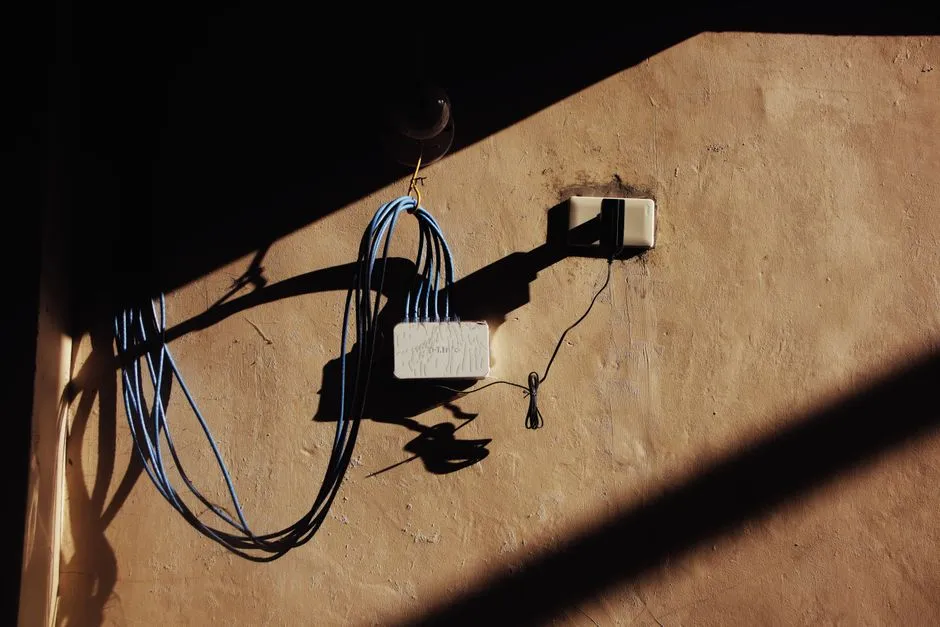
When I set up the MoCA backbone for the house - four adapters moving ethernet over coax to get around concrete walls - I also created static DHCP leases for each one. If you want the full story of the MoCA setup itself, I covered that earlier. This is about what happened after: all four leases sat at status=waiting with last-seen=never and never moved.
Each adapter has a MAC address on the label. Assign fixed IPs in the management VLAN, document them, done. Except none of them ever connected.
I restarted the DHCP server in RouterOS. Nothing changed. A few weeks went by. Still waiting.
What I checked
The first place I looked was the bridge forwarding database. If the adapters were active on the network, their MAC addresses should appear there. They didn’t.
I tried pinging the expected IPs in the management subnet. No response. I scanned the subnet - the adapters weren’t there. I’d read that some MoCA adapters use a factory default IP completely separate from the home network, so I tried several common defaults and link-local 169.254.x.x addresses. Nothing responded.
The rooms with MoCA-connected switches had working internet, which meant the adapters were passing traffic. They just weren’t showing up anywhere as addressable devices.
What’s actually happening
MoCA adapters are Layer 2 bridges. They forward ethernet frames between the coax segment and the switch port without modifying them. The router’s bridge sees the downstream switches and the devices connected to those switches. It does not see the adapter itself - the adapter is transparent.
A device operating this way doesn’t need an IP address. It doesn’t send DHCP requests. Its MAC never registers in the upstream bridge forwarding database. That’s the design.
The status=waiting entries in RouterOS are correct. The adapters were never going to request those leases because they have no use for them. last-seen=never is not a failure state - it means the MAC hasn’t been seen on the network requesting anything, which is accurate.
Getting management access if you need it
MoCA adapters typically have a web interface for signal diagnostics and configuration. The catch is that you can’t reach it through the router’s bridge under normal conditions - you need a device connected directly on the same physical segment as the adapter.
For the Hitron HTEM5s I’m running, the management interface requires a laptop plugged directly into the ethernet port on the adapter, bypassing the downstream switch. The adapter uses a factory default IP that varies by model - check the label or the manual for the specific address. Credentials are typically admin/admin.
I haven’t needed to do this. The adapters are doing their job and I have no reason to change their configuration. The access path exists separately from DHCP, and that’s by design.
When “waiting” is fine and when it isn’t
Static leases in RouterOS silently stay in waiting if the device never asks for an address. That’s useful for servers you haven’t deployed yet. It’s also the correct outcome for transparent bridges - but the status doesn’t distinguish between the two cases. You have to know what kind of device you’re dealing with.
Before concluding a lease stuck in waiting is a configuration problem, check whether the device is a managed host that should have an IP, or transparent infrastructure that passes traffic without identifying itself on the network.
- Managed hosts (switches with management IPs, NAS boxes, servers, routers): should appear in DHCP
- Transparent bridges (MoCA adapters, powerline adapters, ethernet-over-coax bridges): won’t appear, and that’s normal
The leases for the adapters are staying in RouterOS. They’re accurate documentation of the MAC addresses, even if the adapters never request them. And the adapters don’t care either way.
Related reading

Auditing static DHCP leases in RouterOS: ten mismatches and four missing devices
What happens when your DHCP config drifts from your network state file. How I found fourteen lease issues in RouterOS and fixed them with Ansible and a device-by-device review.

Automating RouterOS updates with Ansible in the homelab
Why I stopped treating RouterOS and RouterBOARD updates as one-off SSH sessions, and how an Ansible playbook handles backup, package install, reboot waits, and firmware in order.
Trying to load-balance DNS across three Pi-holes (and settling for failover)
One of my three Pi-holes was handling 99.9% of DNS queries while the other two sat idle. The fix I wanted (even load balancing) turned out to be something RouterOS just won't do, and the reason is which firewall chain the queries land in.
Ready to Transform Your Career?
Let's work together to unlock your potential and achieve your professional goals.