
Researching BirdNET-Pi for backyard bird detection
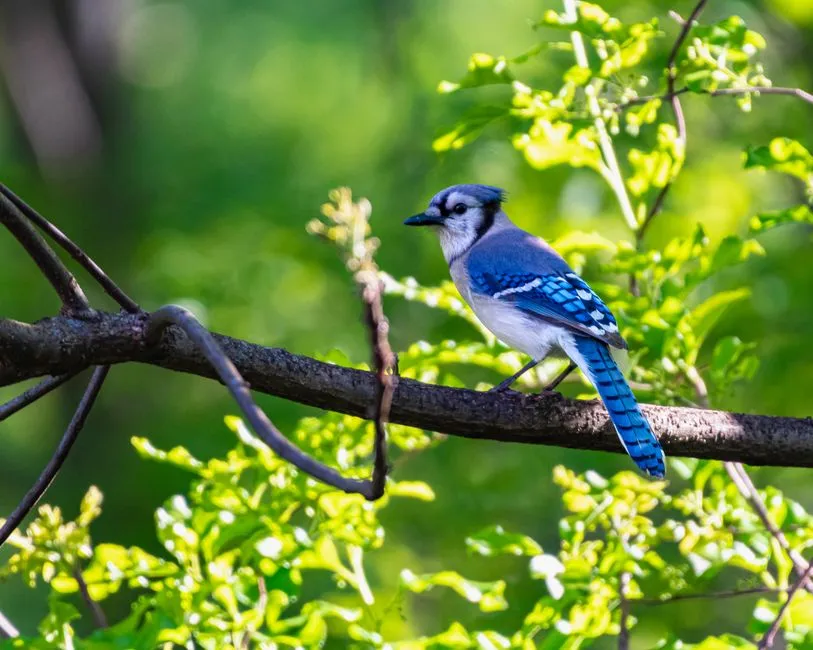
I wanted to know which birds were in the yard without standing at the window. The idea was a small machine-learning service listening on a microphone, identifying birds by their calls, logging what it heard, and feeding detections into Home Assistant for dashboards. Before spending a cent on hardware, I did the research. Here is what I found, what it would take, and why I parked it.
The software, and which BirdNET-Pi
BirdNET is the Cornell Lab of Ornithology’s bird-sound recognition model. BirdNET-Pi wraps the lite model in a self-hosted service with a web interface. The catch is that “BirdNET-Pi” is now two projects, and picking the wrong one means installing software the author has walked away from.
- The original
mcguirepr89/BirdNET-Piwas archived in August 2025. The author marked installation deprecated. - The
Nachtzuster/BirdNET-Pifork is actively maintained: support for current Raspberry Pi OS, x86 in addition to the Pi, and ongoing commits.
So the fork is the one to deploy. It runs the BirdNET-Lite v2.4 model, recognizes roughly 6,000 species, and does it entirely offline. No cloud dependency for detection, which is exactly what I want for something running at home.
Install is a single script on a fresh Raspberry Pi OS 64-bit Lite:
curl -s https://raw.githubusercontent.com/Nachtzuster/BirdNET-Pi/main/newinstaller.sh | bashThe features that sold me on it:
- A web UI with a live spectrogram and audio, so you can watch a detection happen in real time.
- Per-species stats and history.
- Automatic pruning of recordings so the disk does not fill.
- Species filters that cut false positives down by location and season.
The hardware question
This is where the research actually mattered, because the hardware is the part you can get wrong in a way that costs money.
- Compute: a Raspberry Pi 4 or 5, 64-bit. A Pi 4 is enough to run the model; a Pi 5 gives you headroom.
- Power and placement: a PoE HAT so the whole thing is one cable to wherever the microphone needs to live, plus active cooling for a board running inference around the clock.
- Storage: continuous recording chews through SD cards. A high-endurance microSD is not optional here, and you plan a retention policy to limit wear rather than letting clips accumulate forever.
- Microphone: BirdNET processes audio in mono. A USB omnidirectional mic, or a USB sound card plus a lavalier, is the usual setup. This is the load-bearing decision.
- Weatherproofing: the part nobody has cleanly solved. The community consensus is to shelter the mic under an eave. Sealing it in plastic muffles the exact sound you are trying to capture.
The mic and where it physically sits are the real constraint. Everything else is a Pi doing what a Pi does.
How it fits a homelab
A bird detector does not need to be on the internet, so the default posture is LAN-only. The plan:
- Give it a static DHCP lease and a local DNS record so it has a stable address and name.
- Keep it off the public internet. Put it behind Traefik with authentication only if I ever want to reach the UI from outside.
- Publish detections over MQTT into Home Assistant for automations and dashboards.
- Optionally upload to BirdWeather to contribute to the wider dataset, and export to InfluxDB and Grafana if I want to graph trends myself.
- Set a retention policy from day one to protect the SD card.
The decision
The research verdict: worth doing, the software question is settled on the Nachtzuster fork, and the homelab can host it comfortably. What I did not have was the hardware. No spare Pi, no microphone, no weatherproof spot picked out. On a “spend nothing right now” budget, I parked it pending hardware.
That is still a win. A research spike that ends with “I know exactly what to buy and why” beats one that ends with a half-deployed service and an SD card already wearing out. I knew the model, the fork, the mic requirement, and the homelab wiring before committing a dollar.
Postscript: it did not go to plan
When I finally built this months later, almost none of these specifics survived contact with reality. I did not deploy BirdNET-Pi, I did not buy a Raspberry Pi, and the microphone came out of a drawer. The story of what I actually shipped, including pulling bird audio out of a doorbell camera, is in BirdNET-Go, a doorbell cam, and a dynamic mic from the drawer.
Research points you at a plan. It does not promise you will follow it.
Disclosure: As an Amazon Associate, I earn from qualifying purchases.
Related reading
Migrating Home Assistant from Raspberry Pi to Proxmox
How I moved Home Assistant off a dedicated Raspberry Pi 4 and onto a Proxmox VM, covering Zigbee USB passthrough, backup restore, ZFS storage migration, and a DHCP lease time gotcha that caused WebSocket disconnects.

Researching self-hosted game library consolidation
My games are scattered across Steam, GOG, Epic, Xbox, PlayStation, and a Switch. Before building anything, I went looking for a self-hosted, web-based way to see them all in one place. Here is what I evaluated, why nothing fit, and the custom build I talked myself into.

BirdNET-Go, a doorbell cam, and a dynamic mic from the drawer
Deploying a self-hosted bird-sound ID service on the homelab for $0: the BirdNET-Pi to BirdNET-Go switch, USB audio passthrough into Docker-in-LXC, pulling doorbell audio through Frigate go2rtc, and the Ansible YAML bug that silently stopped clips from saving.
Ready to Transform Your Career?
Let's work together to unlock your potential and achieve your professional goals.