
Self-hosting my ebooks with Kavita
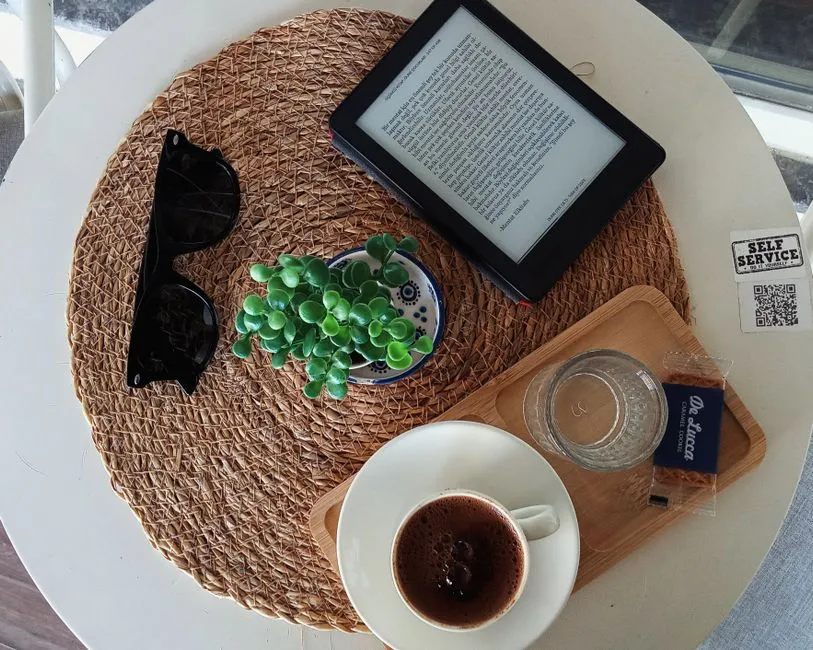
Around the same time I set up an audiobook server with Audiobookshelf, I wanted the same thing for ebooks: my EPUBs, PDFs, and a pile of Kindle purchases, in one self-hosted library I could read from any device. Kavita became that library.
This is the ebook half of a pair. Months later I merged both halves into one server, retiring Kavita in the process: consolidating audiobooks and ebooks into Audiobookshelf. This is where the ebook side started.
Calibre-web vs Kavita
The two obvious self-hosted ebook options are Calibre-web and Kavita. Calibre-web is a web front end bolted onto a Calibre library and carries Calibre’s desktop-era baggage. Kavita is a ground-up modern server: fast, a clean reader in the browser, support for ebooks and comics or manga (CBZ, CBR) alike, and OPDS for mobile apps. I went with Kavita for the interface and the OPDS support.
Deploying it
The same homelab pattern: a Proxmox LXC running Docker, the library on the NAS mounted at /media/ebooks, and a Traefik HTTPS route in front. Nothing exotic, and unlike the audiobook server there were no WebSocket surprises.
Reading on mobile with OPDS
Kavita’s browser reader is good, but for reading on a phone or in a dedicated e-reader app you want OPDS, the open catalog protocol that ebook apps speak. Kavita exposes a per-user OPDS feed with an API key in the URL. Point a reader app at that feed and the whole library shows up, browsable and downloadable, with reading position handled by the app.
Getting Kindle books in
Most of my books were Kindle purchases, and Kindle books are DRM-locked to Amazon’s apps. To put a book I own into my own library, I had to remove that DRM and convert to EPUB, then drop it into the Kavita library folder on the NAS. As with the audiobooks, this is about format-shifting books I bought for my own use, not redistributing anything.
Once the files were in the library folder, Kavita scanned them, pulled metadata, and they were readable in the browser and over OPDS.
Where it landed
A self-hosted ebook library: a clean web reader, OPDS for mobile, and my Kindle purchases living as EPUBs I control. It did its job well for months.
The catch, in hindsight, was that it was a second media server doing a job my audiobook server would eventually learn to do too. Audiobookshelf later added ebook support, and when I rebuilt the homelab I consolidated both into one Audiobookshelf instance and retired Kavita. Kavita was a good ebook server. I just stopped needing a separate one.
Related reading

Self-hosting my audiobooks with Audiobookshelf
I wanted my Audible library streamed to my phone, position-synced, and not locked inside one app. Audiobookshelf got a container in the homelab. Here is the deploy, the WebSocket gotcha, the iOS client I picked, and the work of getting an Audible library out of DRM.
Researching update automation for the homelab
Twenty-three self-hosted services and no update process beyond "when I remember". I compared Watchtower, Diun, Renovate, and WUD, looked at unattended-upgrades for system packages, and landed on a hybrid plan.
Self-hosting file sync with Syncthing, kept local-only
I wanted Dropbox-style file sync across my own devices without putting the files on anyone else's servers, and without announcing my devices to the internet. Here is how I deployed Syncthing on Docker-in-LXC and ran it entirely on my LAN.
Ready to Transform Your Career?
Let's work together to unlock your potential and achieve your professional goals.